
Apps That Will Help You Budget
By Jenise Jackson
Blog Content Contributor
I have recently realized that I have terrible budgeting skills. I really needed help fixing this problem, so I turned to Google and did some research like most people would. We all know that managing money in college can be a constant struggle. Luckily, I found out that there are apps to help make budgeting a little bit easier. I tested out a variety of financial apps that were recommended through the Web and these are the select few that I favored.
Mint
iOS, Android
Free

From the makers of TurboTax, Mint connects directly to your bank account and allows you to create a budget with ease. You can decide how much money you want to set aside for different categories like groceries, utilities, etc. What I love about Mint is that it keeps track of all your purchases automatically. You’ll always know how much money you’ve spent and how much you have left before you go over your budget. This app will definitely help keep you on track with your finances and realize what you could cut back on.
PocketGuard
iOS, Andriod
Free
PocketGuard, like Mint, connects directly to your bank account and let’s you see your current balance, your income and how much money you have spent. This app is great because it analyzes your spending and identifies exactly what you need to plan for. From there, PocketGuard automatically creates a budget that accommodates your lifestyle. I also like the fact that this app encourages you to set saving goals, which comes in handy for the future. PocketGuard makes creating and sticking to daily, weekly and monthly budgets less of a headache.
Toshl Finance

iOS, Andriod
Free
The beauty of Toshl Finances is that it is simple. All you do is input your income and your expenses and the app will allow you to set a hard line of how much you want to spend in a certain category. Toshl Finance also gives you a great visualization of how close you are to going over your budget. So if you are down to your last $30 and you see that daunting red line and devil cartoon, you’ll know that you should probably slow down on the spending.
Wally
iOS, Andriod
Free
This app is another good finance tracker. Wally lets you log your expenses manually or take a picture of your receipts, a feature I thought was cool. It also allows you to create savings goals and notifies you when you do achieve that goal. Wally can adapt to your habits and help you work towards getting even better with money management.
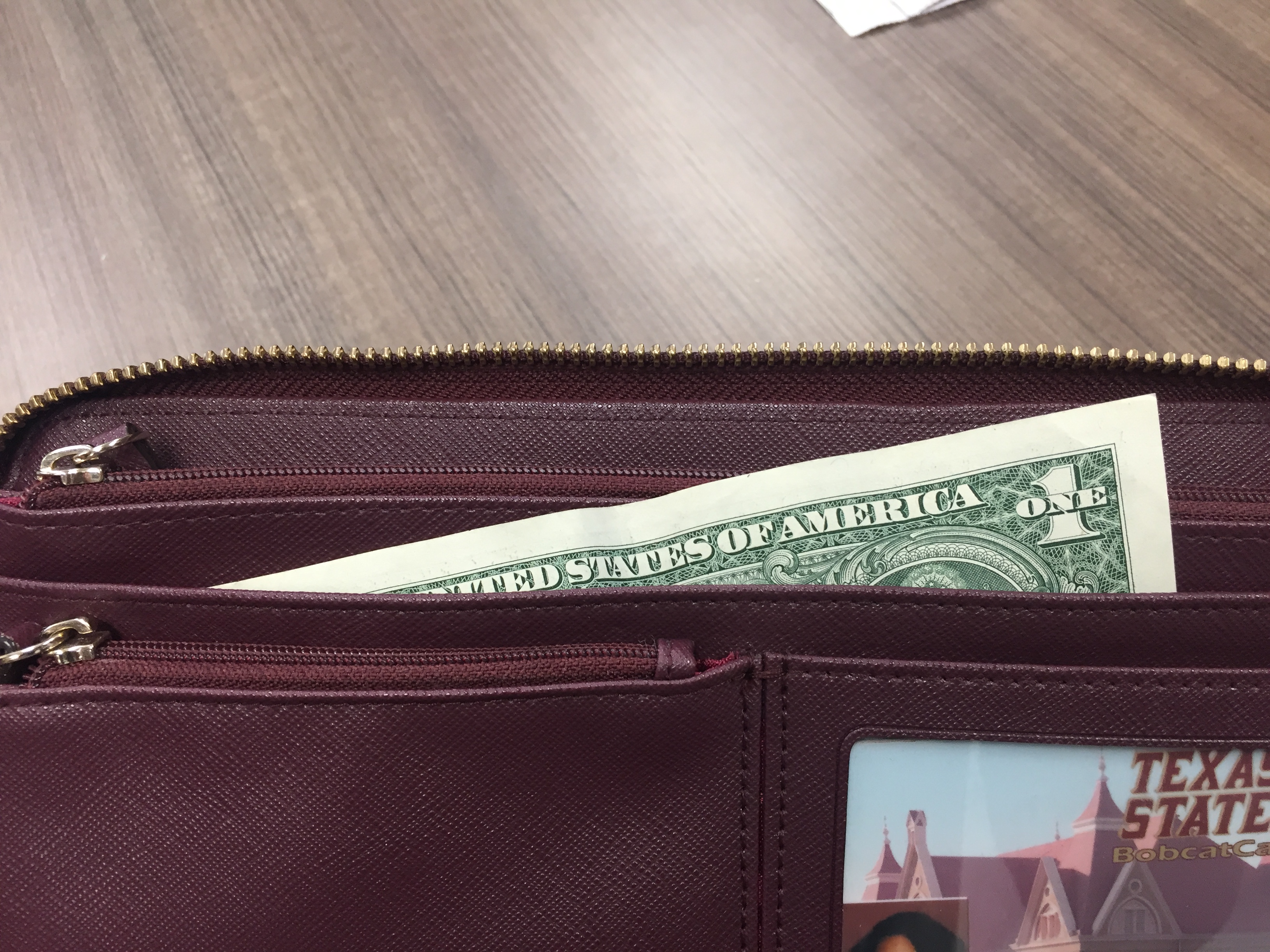
Featured image by Asia Daggs.


-

1
In My Head
-
play_arrow
In My Head Phantogram & Whethan
-
-

2
Last Escape
-

3
Reason to Pray
-

4
Rabbit season
-

5
Still Do




Post comments (0)